




“I raised a bug and 2 UI/UX suggestions by email on Sunday. The team acknowledged them immediately and had them completed in less than 5 hours.”

E-signatures, verification, custom domains, proposals, invoicing. All included. No subscriptions. No per-user fees. No limits.
One time · Forever yours
vs DocuSign
$2,160/yr
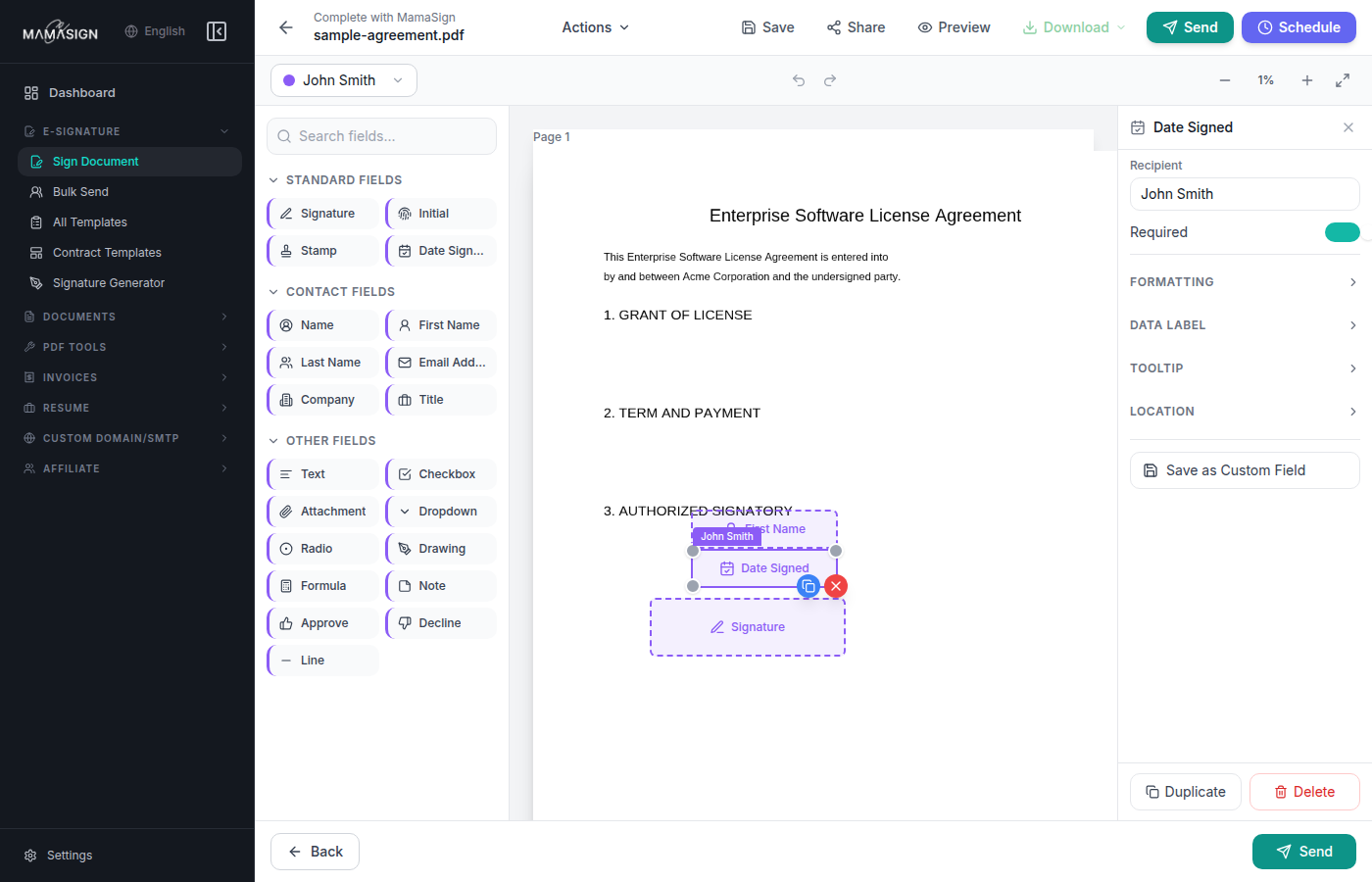
Live product workflow
Prepare, send, sign, and verify one client PDF.
As featured in
MamaSign's whitelabel e-signature workflow announcement has been published across major news platforms.
These are not anonymous marketing quotes. Each card links to a public Facebook profile so visitors can check the source themselves.

A real user walkthrough of how MamaSign helps teams move signing workflows faster.















The MamaSign workflow
MamaSign brings document preparation, signing, verification, invoices, and automation into one branded workflow for teams that handle client-facing documents.
Upload documents, build proposals, create invoices, and get files ready before the client sees them.
Deliver signing links and client emails from a branded identity with custom domain and SMTP controls.
Collect e-signatures with field placement, required validation, audit trails, and team workspaces.
Let recipients confirm completed PDFs with document identifiers and signed document verification.
Connect signing events to internal tools through API access and webhook-ready workflows.
MamaSign puts custom domain, custom SMTP, and client-facing branding into the signing journey so proposals, agreements, invoices, and signing emails look like they came from the business your client already trusts.
Learn more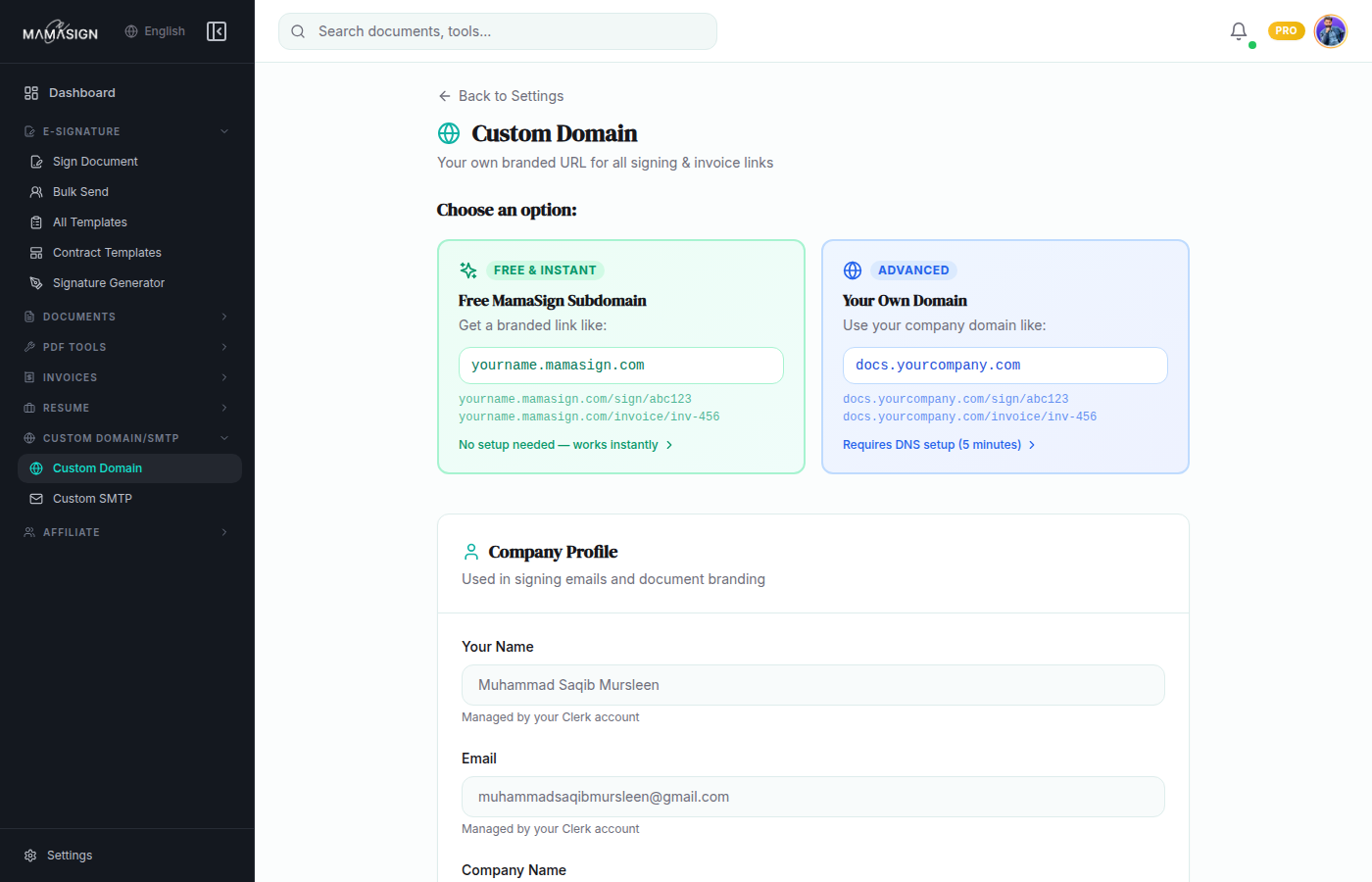
Completed documents are often forwarded through email, cloud folders, and client portals. MamaSign's verification workflow gives teams a clear way to review signed PDFs after they leave the original signing session.
Learn moreFor agencies, consultants, and service teams, signatures are only one step. MamaSign brings proposals, invoices, recurring billing workflows, and workspaces into the same client document layer.
Learn more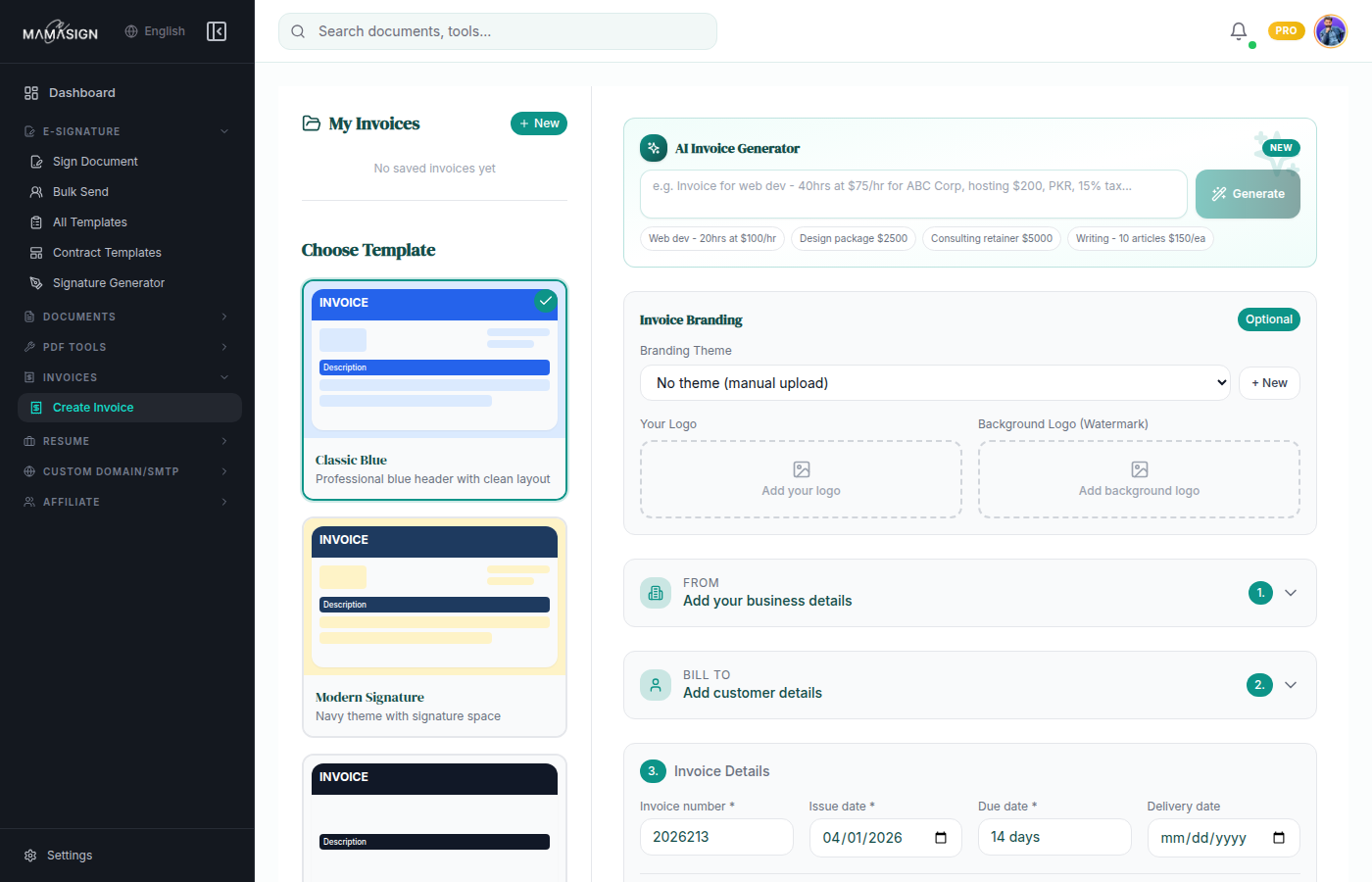
API documentation and webhook-oriented workflows give teams a path to connect signatures, document status, verification, and operational events to CRMs, portals, internal dashboards, and automations.
Learn moreSend signing emails from your own email address.
Step 1
Gmail / Google Workspace
smtp.gmail.com
Outlook / Microsoft 365
smtp.office365.com
Yahoo Mail
smtp.mail.yahoo.com
Zoho Mail
smtp.zoho.com
Other / Custom SMTP
Add custom SMTP host
Plug in / Keep control
Move from intake to proposal, contract, invoice, verification, and follow-up without sending clients through a scattered mix of tools and vendor-branded links.
Client intake
Step 1
Proposal
Step 2
Signature
Step 3
Invoice
Step 4
Webhook / CRM
Step 5
Product system
Each feature supports a real business job: preparing documents, sending them under a trusted brand, collecting signatures, billing clients, and syncing activity back to operations.
Send documents, place fields, assign recipients, and collect client signatures.
Verify completed documents with document-aware review flows.
Host client-facing signing workflows on your own branded domain.
Send workflow emails using your business email identity.
Keep billing workflows close to proposals and signed agreements.
Organize teams, documents, clients, and activity in one place.
Build and share sales documents before the contract stage.
Connect document events to the rest of your business stack.
Bring more people into the workflow without per-seat friction.
Built for trust
Custom domain, custom SMTP, e-signatures, document verification, proposals, invoices, workspaces, API access, and webhooks belong in one coherent client experience.